
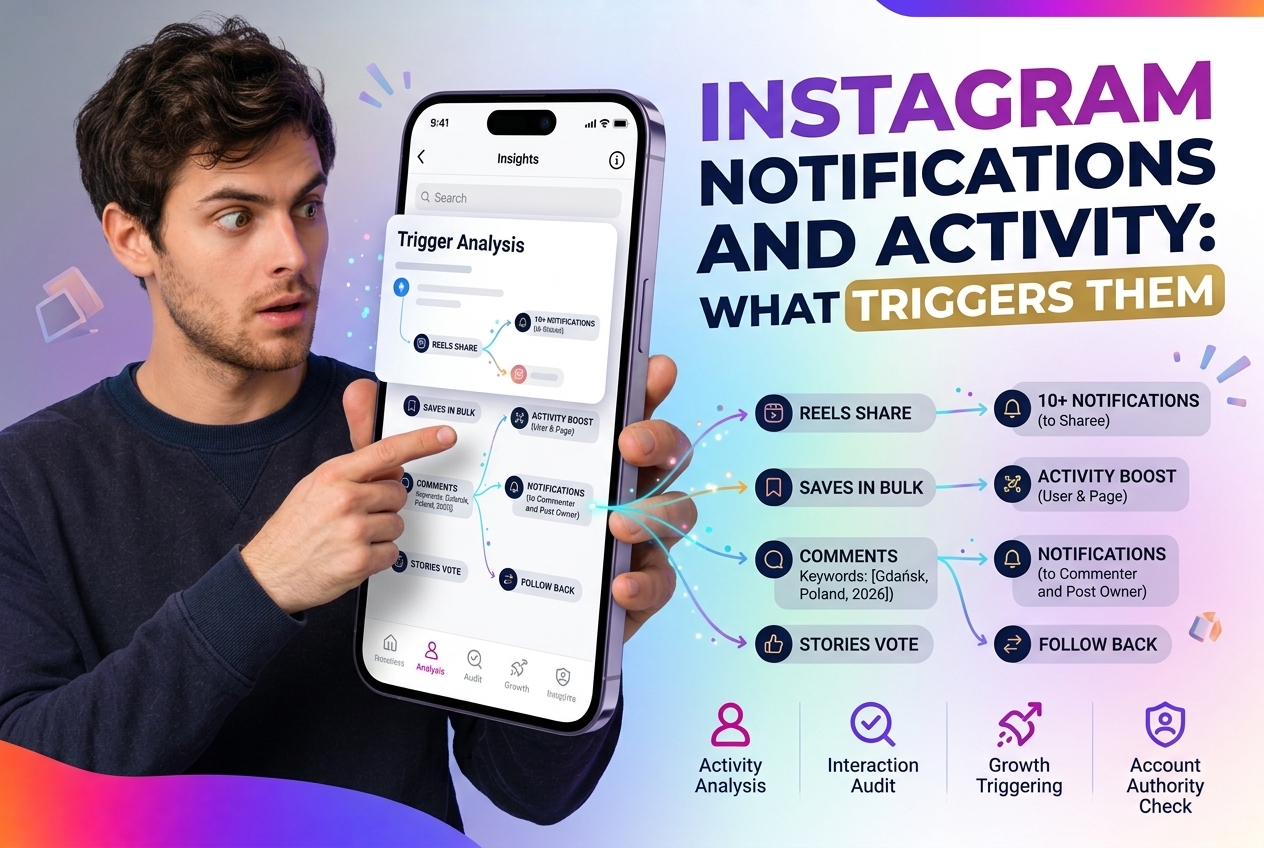
Instagram Notifications and Activity: What Triggers Them

Author

Instagram's notification system is deliberately selective — it tells you about some activity on your content but not all of it. Understanding which actions trigger notifications (and which don't) matters both for how you interact with others' content and for how you manage your own account.


Instagram's notification system is deliberately selective — it tells you about some activity on your content but not all of it. Understanding which actions trigger notifications (and which don't) matters both for how you interact with others' content and for how you manage your own account.

Notifications You DO Receive

Instagram notifies you when:

• Someone likes your post or Reel
• Someone comments on your post
• Someone mentions you in a post, Story, or comment (@username)
• Someone shares your post to their Story (you get a DM notification, not a public one)
• Someone follows you
• Someone sends you a Direct Message
• Someone reacts to your Story (emoji reaction)
• Someone replies to your Story
• A post you commented on gets a new comment (optional, can be turned off)
• Someone likes your comment
• A Live you're watching starts

Notifications You Do NOT Receive

Instagram deliberately does not notify you when:

• Someone views your post (views are counted but not attributed in notifications)
• Someone views your profile
• Someone saves your post — this is intentional; saves are tracked in Insights but you don't know who saved
• Someone screenshots your post or Reel
• Someone screenshots your Story (unlike Snapchat, Instagram removed this notification years ago)
• Someone visits your profile repeatedly
• Someone searches for your username
• Someone unsends a DM they sent you
• Someone reads your DM (you see the 'Seen' indicator, but no separate notification arrives)

The Special Case: Stories

Story notifications are more limited than post notifications:

• You can see who viewed your Story (in the viewer list for 24 hours after posting)
• You do NOT receive a notification for each individual view
• You DO receive a notification when someone reacts to or replies to your Story
• If someone screenshots your Story: no notification
• If someone screen-records your Story: no notification

The viewer list is private and only visible to the account owner. Third parties have no direct access to it.

Activity Status Notifications

The 'Active Now' or 'Active X minutes ago' status in Direct:

• Only visible to people who have an active DM conversation with you
• Can be turned off: Settings → Privacy → Activity Status
• If you turn it off, you also lose the ability to see others' activity status

There is no notification when someone checks your activity status.

Anonymous Viewing: What's Actually Traceable

For public Instagram content — posts, Reels, Stories, Highlights, profiles — there's an important distinction:

When you're logged in and view content, Instagram logs that activity for its own internal analytics. The account owner may see aggregate data (e.g., Story view count) but not necessarily your specific username in all cases.

When you view public content without being logged in — or through an anonymous viewer — the account owner receives no notification and no view attribution.

For viewing public Instagram profiles, Stories, Reels, and Highlights without logging in — and without appearing in view counts or activity logs: DataJam. Useful for competitive research, influencer vetting, or simply browsing public content without leaving a trace.

Managing Your Own Notification Settings

Instagram allows granular control over which notifications you receive:

• Settings → Notifications → adjust by category (Posts, Stories, Following & Followers, etc.)
• You can pause all notifications for a set period
• Push, email, and SMS notifications can be configured independently

Most active accounts find the default settings overwhelming — customizing them to the categories you actually want reduces noise considerably.